
Step 1
Paste a channel
Paste a channel link, @handle, or name into the box above.
Want a channel's key numbers at a glance? Paste the link, hit Check, and you will see subscribers, total views, video count, and more. Free, no login.
Results
Paste a YouTube URL or ID above and run the tool to see results here.
It is a tool that answers one question: what are this channel's public statistics?
Drop in a channel link, @handle, or name, and you get a clean report of the public numbers - subscribers, total views, video count, and more - in one place.
Use it on your own channel to keep tabs on growth, or on other channels for high-level competitor research. Public totals tell you about scale and longevity; they do not show recent growth, engagement, retention, or how well a channel converts commercially. It reads public channel data only, so there is no sign-in and no account access.
Check a channel's public statistics in three quick steps.
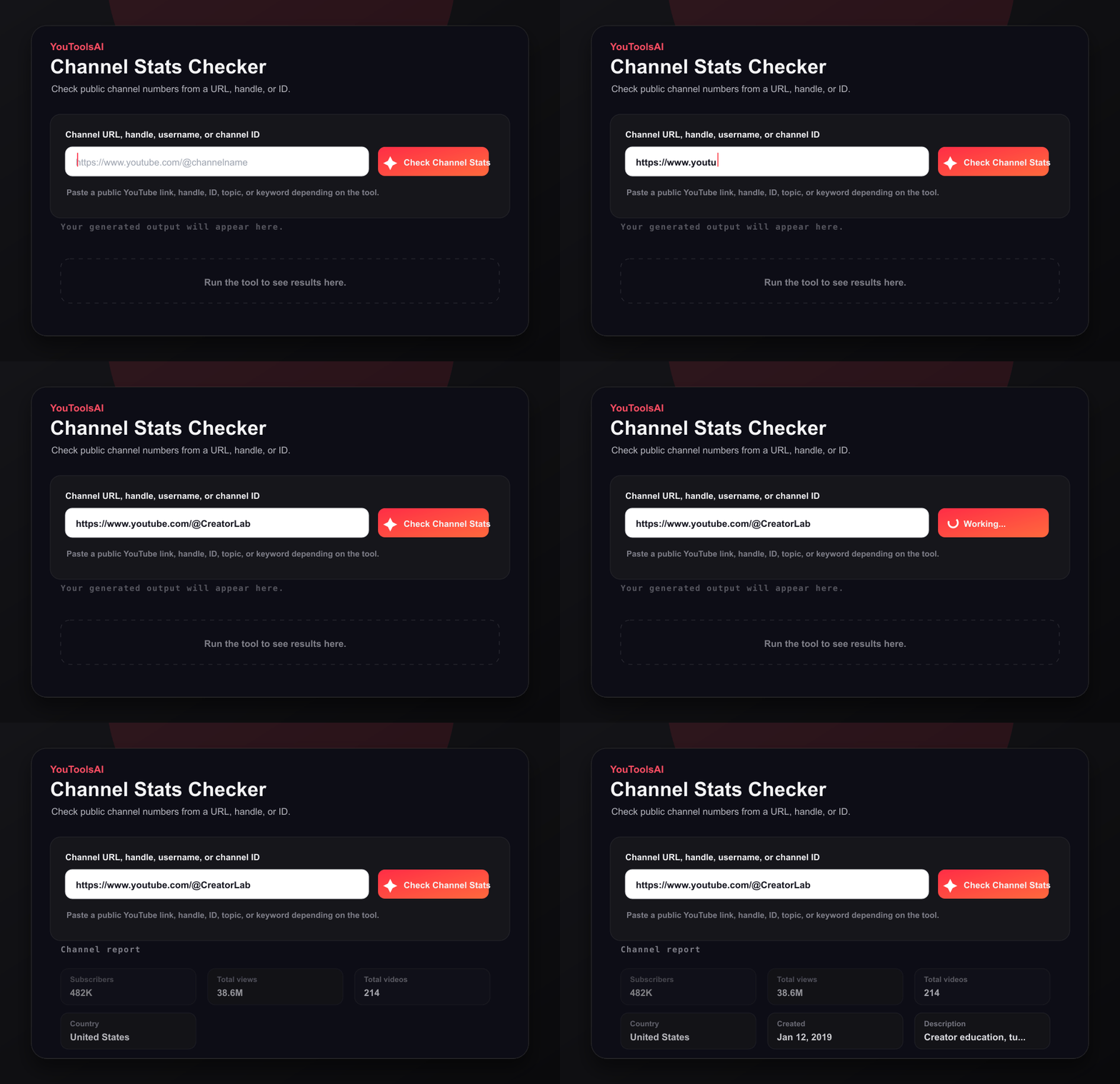
Paste a channel link, @handle, or name into the box above.
Run the checker to fetch the channel's public report.
Review subscribers, total views, video count, and other available public details.
Channel names are not unique. A name search returns matches from YouTube's own search ranking, so check the profile image and subscriber count before relying on a result. Pasting the @handle or full channel URL removes the ambiguity entirely.
Some statistics may be unavailable because of channel privacy settings, incomplete metadata, or temporary data limitations. The report will say so rather than leaving a blank.
Both channels below are fictional. The figures illustrate the report format, not real data.
| Stat | @HomeKitchenLena | @ByteSizeReviews |
|---|---|---|
| Subscribers | 480K | 12.4K |
| Total channel views | 62M | 890K |
| Public videos | 310 | 45 |
| Channel created | 2019 | 2023 |
| Avg reported views per current public video | ~200K | ~19.8K |
| Checked | 26 July 2026, 2:15 PM | 26 July 2026, 2:17 PM |
The checker reads the same public channel data anyone can see and lays it out in one report. No sign-in, no account access.
Two things shape what you are looking at. Subscriber counts arrive rounded to three significant figures, so they are a close approximation rather than an exact headcount. And every figure is a snapshot from the moment you clicked, which is why each report carries a timestamp.
Common questions about YouTube Channel Stats Checker.
No. The checker reads only the numbers a channel shares publicly, such as total channel views and video count. Non-public analytics - watch time, revenue, retention, demographics - are visible only to the owner in their own dashboard.
Because YouTube rounds it before publishing it. Public subscriber counts are reported to three significant figures, so 12,345 becomes 12,300 and 1,234,567 becomes 1,230,000. The rounding happens on YouTube's side, and the checker reflects the figure as given. It is a close approximation of reach rather than an exact count.
Paste the channel link or @handle and click Check. The subscriber count sits at the top of the report, with no subscription or YouTube account needed. If it cannot be retrieved, the report will say so.
You will get a list of search matches to choose from. Those are ranked by YouTube's search relevance, which is not the same as being the channel you meant - verify before relying on one, or paste the @handle or full URL to skip the ambiguity.
Each report is a snapshot from the moment you ran it, which is what the timestamp records. Subscriber figures are rounded, so small movements will not show up between checks. For trends, check the same channel on a regular schedule rather than reading much into a single figure.
Yes, and there is no sign-up.
Related tools
Paste a channel URL, handle, username, or channel ID to list top public videos sorted by views.
Open toolEnter a channel URL, handle, username, or channel ID to fetch its most recent public uploads with thumbnails and publish dates.
Open toolReveal the full details behind any public YouTube video - title, description, tags, category, publish date, and more, in one clean view. Free, no login.
Open tool