
Step 1
Add the topic
Tell the tool what your video should explain, teach, or cover.
Use a clear video promise.
Turn any topic into a complete YouTube video script in seconds. Enter your subject, click generate, and get a script with a hook, main points, and a closing call to action - free, with no login.
Your generated script will appear here.
Enter a topic above and press Generate.
A YouTube script generator is a tool that writes a full video script from your topic or keyword. You enter a subject, and it returns a structured script with a hook, main points, and a call to action you can film from.
It saves hours of writing. Instead of staring at an empty page, you start with a clear structure you can edit into your own voice. The free YouTube script generator works for tutorials, reviews, vlogs, and Shorts.
Turn a video idea into a structured script you can record from.
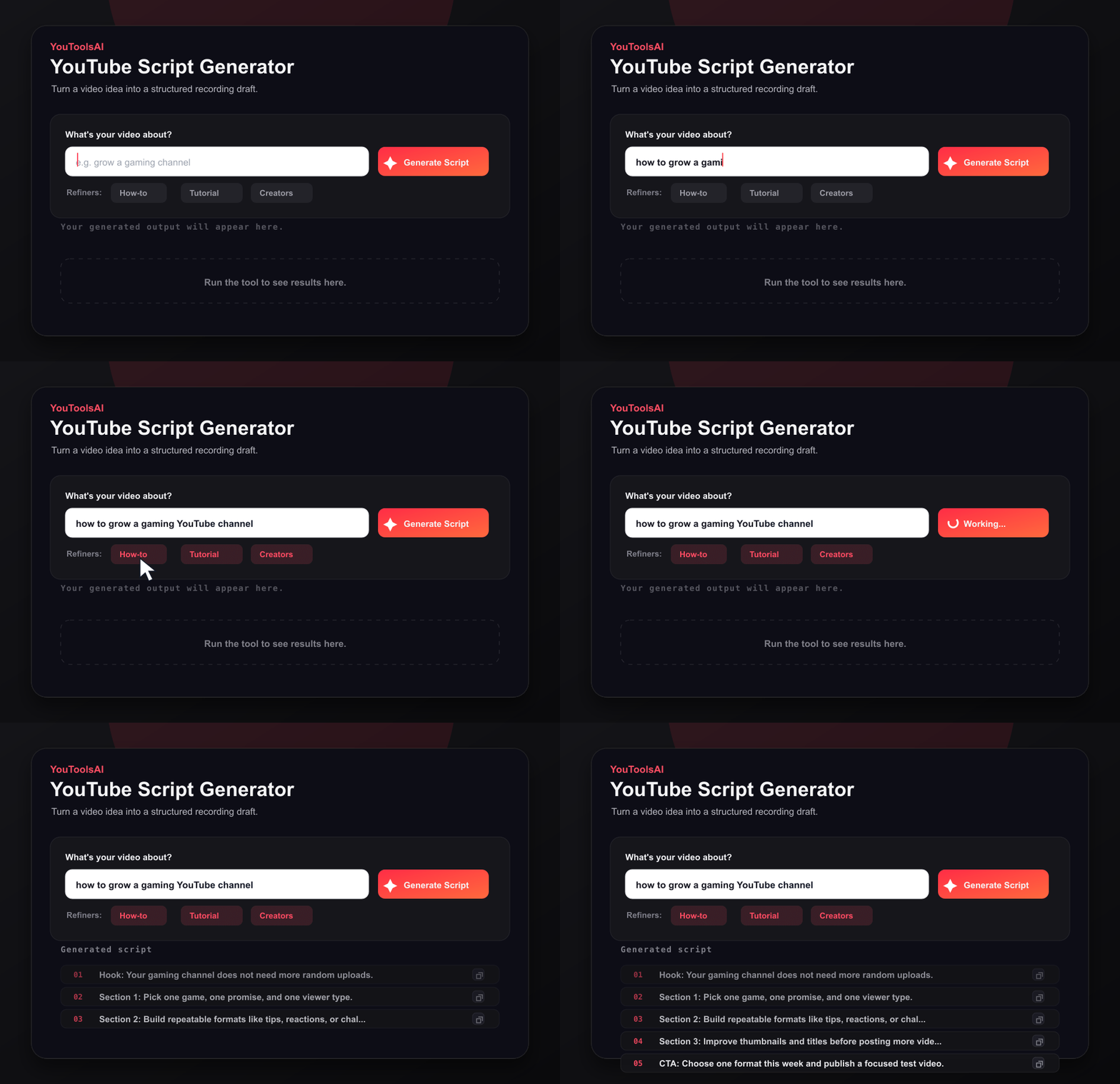
Tell the tool what your video should explain, teach, or cover.
Use a clear video promise.
Set tone, style, and audience to guide the script voice.
Control the pacing.
Review the intro, body, and CTA, then copy the script.
Go from blank page to draft.
Generate your first script free - no account needed.
Here is a shortened, realistic sample of what the generator returns. This is a sample for illustration.
Input: how to start a podcast
Sample output (excerpt): "Most people quit podcasting after episode three - here is how to make sure you don't. In the next five minutes I'll show you the exact gear, format, and publishing plan I'd use to launch a podcast this weekend. First, the one piece of gear that actually matters..."
It is fast, free, and built around retention. Every script leads with the payoff, keeps transitions tight, and ends with a clear call to action, so viewers have a reason to stay.
It also fits into a full publishing workflow. Once the script is done, write a title that earns the click so the video gets opened in the first place.
Paste your topic above and get a full script in one click.
Common questions about YouTube Script Generator.
Yes, many YouTubers use scripts. Some write word for word, others work from a bullet outline. Scripts cut rambling, keep videos focused, and hold viewers longer. Even creators who sound off the cuff usually plan their hook and main points before filming.
Plan about 130 to 150 words per minute of video, so a 10 minute video needs roughly 1,300 to 1,500 words. Match length to the topic rather than a fixed target, and trim anything that does not add value - tighter scripts hold viewers better.
Yes. Enter your topic and the tool writes a brief script with a strong opening line and one clear point. Keep it under about 150 words and skip any slow intro, since Shorts viewers decide within the first second whether to keep watching.
Yes, it is completely free. You can generate full video scripts from any topic at no cost, with no sign up and no login. Run it as many times as you need until the script fits your video and your voice.
A script is not required, but it helps a lot. It keeps the video focused and cuts filler. Use a full script or a simple outline, then fill out the video description from the same plan when you publish.
Related tools
Turn any topic or keyword into a full set of SEO tags in seconds. Type your subject, click generate, and copy tags that help the right viewers find your video.
Open toolSee the hidden tags behind any public YouTube video. Paste a link, click Extract, and get the full tag list in seconds - free, no login.
Open toolReveal the full details behind any public YouTube video - title, description, tags, category, publish date, and more, in one clean view. Free, no login.
Open tool