
Step 1
Copy the video link
Copy the link to the YouTube video you want to check.
Paste a public YouTube video link and see the details behind it. You get the video details available through YouTube's accessible public data in one clean view, with no login and no cost.
Results
Paste a YouTube URL or ID above and run the tool to see results here.
It's a tool that gathers a video's descriptive fields and presents them together. You paste the link, and it returns what YouTube makes accessible for that video - title, description, tags, category, publication time, and public statistics among them.
Creators mostly use it for competitive research: seeing how a strong video in their niche is set up, and comparing it against their own. Marketers and researchers use it to pull structured details from a video without opening the upload settings they don't have access to.
Video metadata is the set of descriptive fields attached to a video - title, description, tags, category, publication time, thumbnails. Some of it appears on the watch page; some of it doesn't.
Metadata helps YouTube and viewers understand a video, but discovery also depends on the content itself, viewer response, relevance, and other signals. It's a lever worth pulling properly, not the whole machine. YouTube's own tag guidance is a useful corrective here: titles and descriptions carry real weight, while tags play a narrower role, mainly around misspellings and close variants.
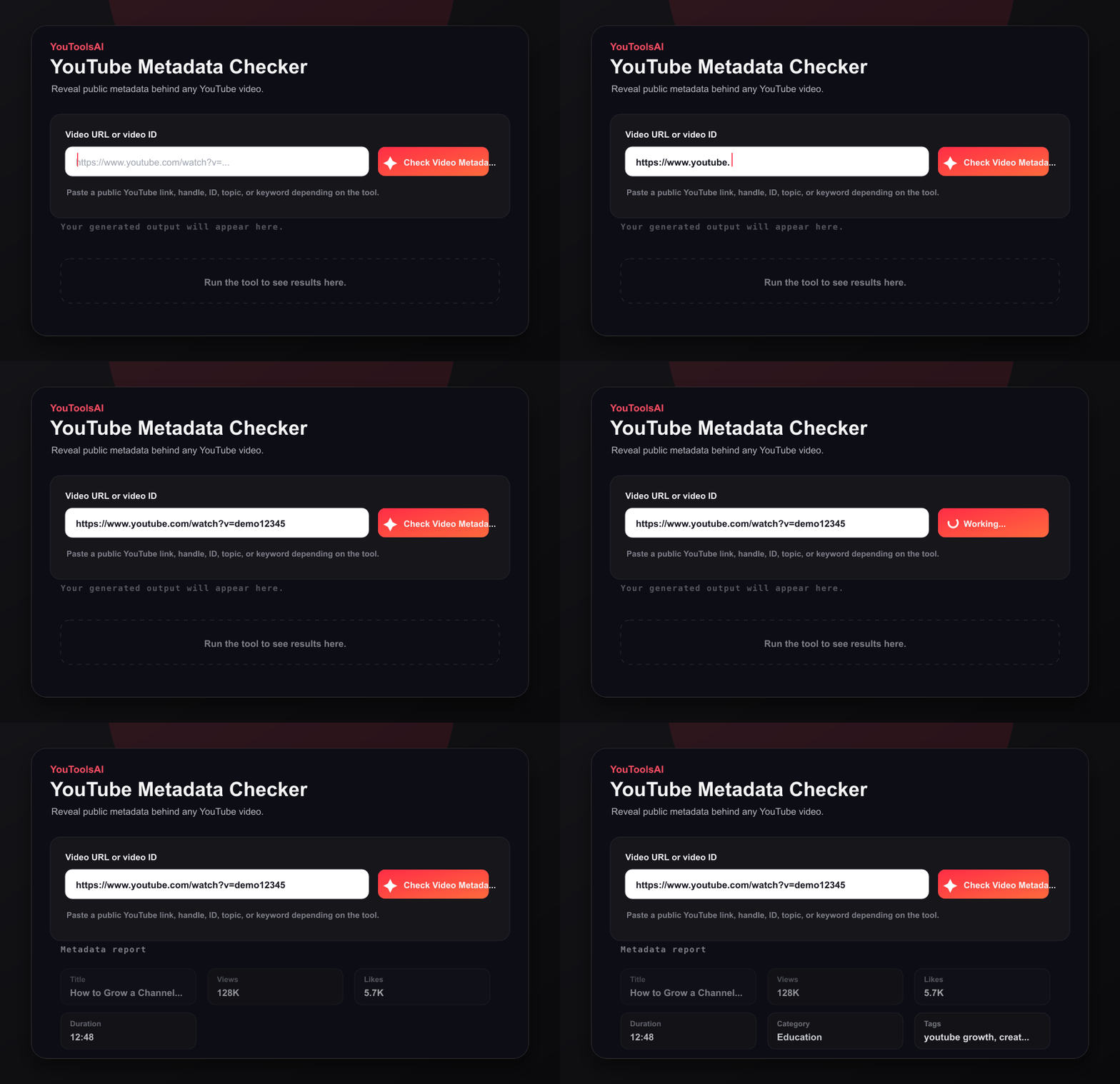
Copy the link to the YouTube video you want to check.
Paste the URL into the field at the top of this page, then click Check Video Metadata.
Review the fields returned for that video, then copy any detail you need or check another video.
Looking for a publish date specifically? The details panel shows the timestamp returned by YouTube. For most public videos, this indicates when the video was published; for unlisted videos, it may represent the upload time.
Depending on the video and available data, the checker may display the public fields YouTube makes accessible for that video.
Category data can vary: YouTube returns the category as a numeric ID. Whether you see "Education" or "27" depends on the data available and how the checker presents it.
Blank fields are normal: Individual fields can be missing or restricted for ordinary reasons: no tags added, like count hidden, comments disabled, or metadata not populated for that video.
So a result with blanks in it usually isn't a failure. It's an accurate picture of a video that didn't fill in every field.
Public videos can generally be checked. Unlisted videos may also work when you have the link. Private, removed, restricted, or otherwise unavailable videos cannot normally be analyzed.
Unlisted and private aren't the same thing, which trips people up: an unlisted video is reachable by anyone holding the URL, while a private one requires authorised access.
Example 1
Input: A link to a tutorial video
Example 2
Input: A link to a product review video
Metadata is among the few discovery inputs you control directly, which makes it worth getting right even though it isn't the deciding factor.
The description is where most channels leave the most on the table. It's the longest field you control and the one most often filled with a link block and nothing else.
No. The watch page surfaces the title and description, but fields like tags and category aren't presented there.
These fields aren't displayed prominently on the standard watch page but may be available through YouTube's accessible video data. That's the gap this tool fills - it reads what YouTube makes accessible and lays it out in one place, rather than reaching anything a creator has chosen to keep private.
Common questions about YouTube Metadata Checker.
No. Titles and descriptions appear on the watch page; fields like tags and category aren't presented there, though they may be available through YouTube's accessible video data.
Public videos can generally be checked, and unlisted videos may work when you have the link. Private, removed, restricted, or otherwise unavailable videos cannot normally be analyzed.
Usually because the creator didn't fill them in - no tags added, like count hidden, comments disabled. Empty fields reflect the video, not a problem with the lookup.
It helps YouTube and viewers understand what a video covers, and it feeds into how the video is matched to searches and suggestions. It's one signal among several, alongside the content itself and how viewers respond to it.
Free, with no sign-up, no account, and no channel connection.
Related tools
See the hidden tags behind any public YouTube video. Paste a link, click Extract, and get the full tag list in seconds - free, no login.
Open toolEnter a public video URL or ID to view thumbnail options across available quality levels and download them directly.
Open toolSee any public channel's key numbers in seconds - subscribers, total views, video count, and more. Free, no login.
Open tool