
Step 1
YouTube Playlist Analyzer
Paste a playlist link and this tool analyzes the accessible videos in a public or unlisted playlist - video count, combined duration, average length, and more. No login, no cost.
Playlist analysis
Ready when you are
Paste a YouTube URL or ID above and run the tool to see results here.
What Is a YouTube Playlist Analyzer?
It reads a playlist and reports its aggregate numbers: how many videos, how long in total, how long on average, and which entries sit at the extremes.
The tool retrieves the videos it can access and analyzes their available durations and statistics. The result identifies any entries that were skipped.
People use it to plan study time before committing to a course, to audit their own playlists, and to size up how competitors structure a series. Learners and creators want slightly different things from it, but both need the same starting number: how big is this actually.
How to Analyze a YouTube Playlist
You can analyze a YouTube playlist in a few quick steps.
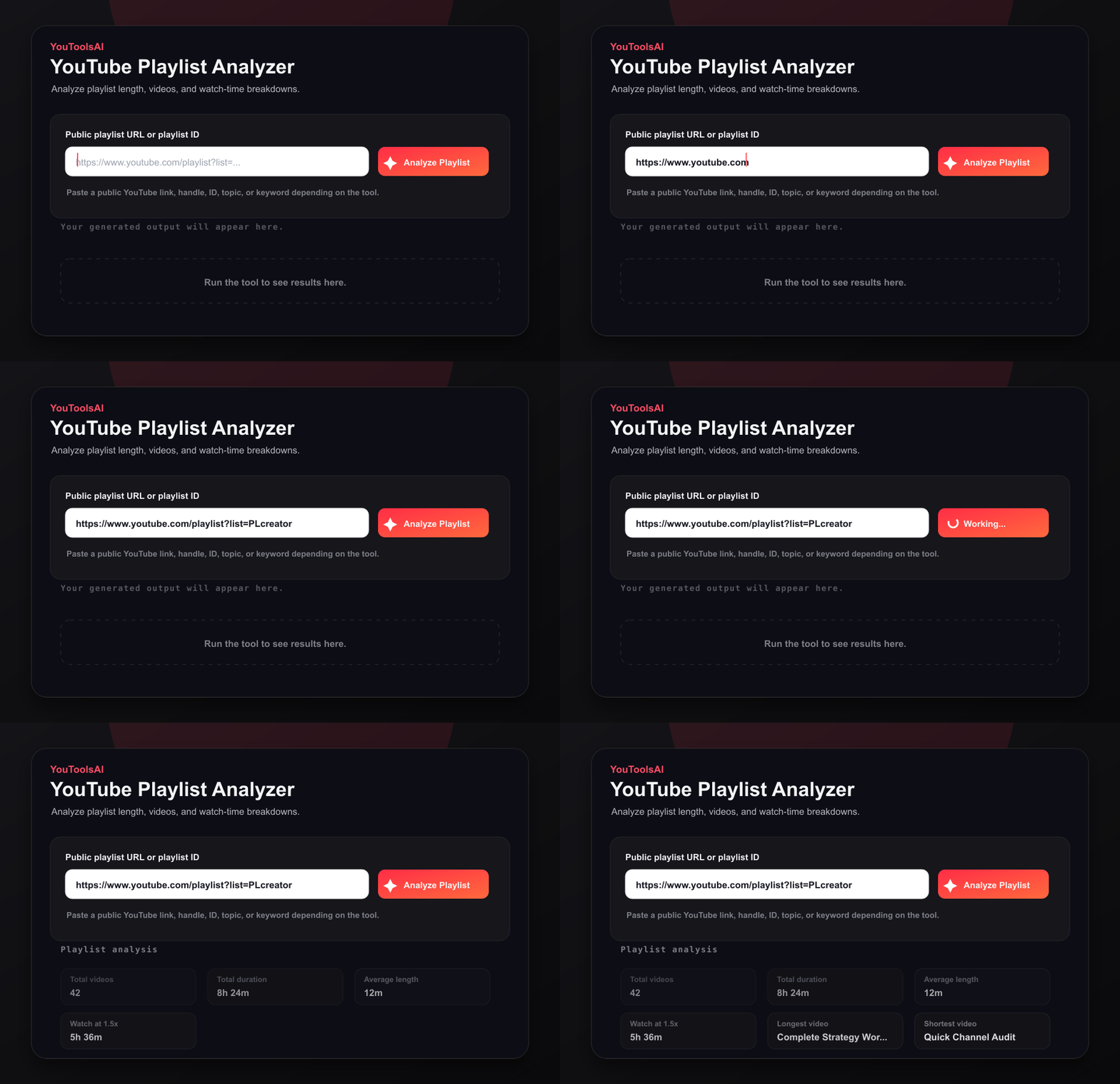
Step 2
Paste the playlist URL into the input field at the top of this page.
Click Analyze to read every video in the playlist.
Step 3
Review the video count, total duration, and average length.
Use the insights to plan your time or study the playlist.
What the Report Includes
Every report opens with the coverage figures, because they determine how much weight the rest deserves:
- 1Total playlist entries - how many items the playlist contains
- 2Videos successfully analyzed - how many returned usable data
- 3Videos skipped - how many didn't
- 4Combined accessible duration - in hours, minutes, and seconds
- 5Average duration of included videos - see the calculation below
Alongside those:
- Longest and shortest videos in the analyzed set
- Estimated completion time at faster playback speeds
- Combined public view counts for the included videos, where available. This is not playlist-specific viewing data.
Combined views are calculated by adding the available public view counts of the included videos. They don't represent views generated through this particular playlist - YouTube doesn't make playlist-specific viewing data public, so no tool working from public data can infer it.
Duration comes from contentDetails.duration and view data from the video's statistics, both available when those resources are retrievable.
How the Average Is Calculated
Average duration = Combined duration of included videos ÷ Number of included videos
The distinction matters when entries get skipped. The average is found by dividing the combined duration of the included videos by the number of videos whose durations were retrieved - not by the total entry count. Dividing by every entry, including the unreadable ones, would understate the average and make a playlist of long videos look shorter than it is.
A worked check: 24 successfully analyzed videos totalling 8 hours 12 minutes have an average duration of 20 minutes 30 seconds. If a playlist contained 27 entries but three were unavailable, the same calculation would use only the 24 videos whose durations were retrieved.
Watch Time at Faster Playback Speeds
Estimated watch time = Combined accessible duration ÷ Playback speed
| Combined duration | Playback speed | Estimated watch time |
|---|---|---|
| 8 hours 12 minutes | 1.5x | About 5 hours 28 minutes |
| 8 hours 12 minutes | 2.0x | About 4 hours 6 minutes |
Read this before planning around it. Faster-speed estimates cover video runtime only. Ads, buffering, breaks, and transitions between videos can increase actual completion time.
For a long course playlist, the gap between the estimate and reality is usually substantial. Runtime is a floor, not a forecast.
Large Playlists
The analyzer supports large playlists by retrieving available entries across multiple result pages. Processing time may increase with playlist size.
YouTube returns playlist items in pages of up to 50, so a 400-entry playlist requires at least eight playlist-item page requests, plus any requests needed to retrieve the associated video details.
That's why a long playlist takes longer than a short one, and why the entry count in the report is worth checking against what YouTube shows on the playlist page.
Example Output
Example 1
Input: A 24-video coding course playlist
- 24 videos analyzed, 0 skipped, combined duration 8 hours 12 minutes, average length 20 minutes 30 seconds, longest video 47 minutes
Example 2
Input: A 60-video music playlist
- 60 videos analyzed, 0 skipped, combined duration 3 hours 40 minutes, average length 3 minutes 40 seconds, shortest video 2 minutes 10 seconds
Does YouTube Show Playlist Statistics?
YouTube may show the number of playlist entries, but its standard interface generally doesn't provide a complete combined-duration and average-length report.
So the count is often available to you already. What isn't is the aggregate: total runtime, average length, the spread between longest and shortest. That's the work this tool does - arithmetic across the whole set rather than a per-video listing.
How to Organize a Large Playlist
- 1Split a sprawling playlist into smaller themed ones by topic or difficulty level.
- 2Order videos so they build from foundational to advanced.
- 3Remove duplicates and off-topic entries.
- 4Review skipped entries and remove those that are permanently deleted, private, or no longer relevant. Some entries may be temporarily unavailable or restricted only in certain regions.
- 5Use the combined runtime to work out how many sessions you actually need.
- 6Rename the playlist so its purpose is obvious six months later.
Why Use This Analyzer
- No login and no account.
- Free to use.
- Transparent coverage - analyzed, skipped, and total entry counts are all reported.
- Aggregate statistics rather than a per-video list: combined duration, average length, longest and shortest.
- Handles multi-page playlists by retrieving across result pages.
- Works from a plain playlist link, with nothing to install.
Frequently Asked Questions
Common questions about YouTube Playlist Analyzer.
How many videos are in a YouTube playlist?+
Counts range from a handful to several hundred. YouTube itself often displays the entry count; what the analyzer adds is the combined duration and average length alongside it.
Can I analyze any playlist?+
Public and unlisted playlists can generally be analyzed when you have the link. Private playlists normally require authorized access. Within any playlist, individual videos that are private, deleted, or restricted may be skipped.
Why were some videos skipped?+
Because their data couldn't be retrieved - usually a video set to private by its uploader, deleted, region-restricted, or otherwise unavailable. The skipped count appears in every report so you can judge how complete the figures are.
Does the average include skipped videos?+
No. The average divides the combined duration of the included videos by the number of videos whose durations were retrieved. Including unreadable entries in the denominator would understate the result.
Do the total views show how often the playlist was watched?+
No. It's the sum of each included video's public view count, from all sources. It isn't playlist-specific viewing data, which YouTube doesn't make publicly available.
Are the faster-speed figures reliable?+
They're exact division, but they only cover runtime. Ads, buffering, and transitions between videos all add real time, so treat the figure as a minimum.
Is it free, and do I need an account?+
Free, with no sign-up and nothing to install.
Related tools
Just need the total length
Paste a public YouTube playlist URL to see total duration, total videos, average length, and watch time at faster playback speeds.
Open toolEstimate your watch time
Enter views, video duration, and retention rate to calculate total watch time in minutes, hours, and days.
Open toolInspect a video's metadata
Reveal the full details behind any public YouTube video - title, description, tags, category, publish date, and more, in one clean view. Free, no login.
Open tool