
Step 1
Paste a video
Add the public video URL or raw video ID.
Use a valid public video.
Paste a public YouTube video link and see the tags behind it. Free to use, and it never asks you to sign in or connect your channel.
Extracted tags
Paste a YouTube URL or ID above and run the tool to see results here.
Tags are keywords a creator adds in the upload settings. They live in a video's metadata rather than on the watch page, so viewers never see them - which is why scrolling the description or comments will not turn them up.
A tag extractor reads the metadata available for the video you supply and displays any tags it can retrieve. Some videos have no tags at all because the creator never added any.
Retrieval can also come up empty for reasons unrelated to the tool, including metadata that is not exposed, regional restrictions, temporary retrieval limits, or changes to how YouTube makes metadata available.
Extract hidden public tags from a YouTube video.
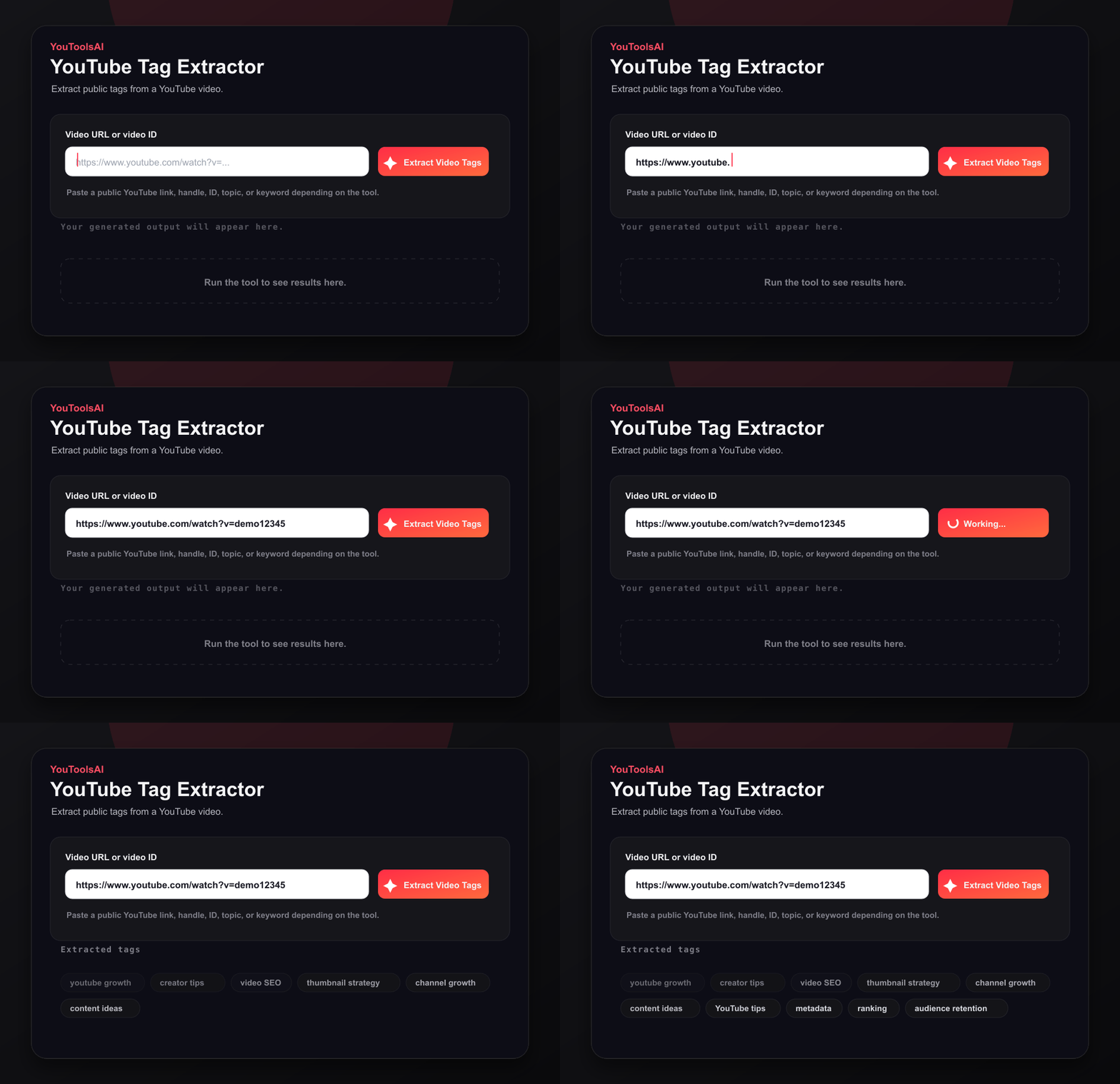
Add the public video URL or raw video ID.
Use a valid public video.
Run the extractor to find public tag metadata.
See the hidden tags.
Copy the full tag set or use individual tags for research.
Speed up SEO research.
Two illustrations of what a result set tends to look like:
Input: a link to a popular home cooking video
Output: easy dinner recipes, quick weeknight meals, 30 minute dinner, family dinner ideas, budget meals, simple recipes for beginners
Input: a link to a top personal finance video
Output: how to save money, personal finance tips, budgeting for beginners, money saving hacks, financial freedom, save money fast
Results vary widely. Some creators use thirty tags, some use three, and some use none.
Extracted tags are a useful starting point, not a finished keyword list. They show you the exact phrases other creators chose when labelling their videos, which is genuinely handy - you get the working vocabulary of a niche without guessing at it.
Pull tags from several strong videos and look for terms that repeat. But be careful about what a repeat actually proves. Repeated terms can reveal how creators describe similar videos, but they don't prove that viewers search for those phrases. Validate promising terms using YouTube search suggestions, Google Trends, or your own Analytics before you build around them.
Treat what you find as research input rather than something to copy across. Lifting a competitor's tag list wholesale gives YouTube a description of their video, not yours, and irrelevant tags do you no favours.
The tool works with accessible YouTube videos. Private, removed, restricted, or unavailable videos cannot be analyzed. Unlisted videos may work when you have the link - unlisted isn't the same as private, and anyone holding the URL can generally reach the video, as YouTube's privacy guidance explains.
If a URL returns nothing, the usual explanations are that the video has no tags, the video isn't publicly accessible, or its metadata isn't available for retrieval.
Common questions about YouTube Tag Extractor.
Not on the watch page. YouTube keeps tags out of the public interface, so they can only be reached through a video's metadata. That's what this tool checks.
Any accessible video. Private, removed, restricted, and unavailable videos can't be analyzed; unlisted videos may work if you have the link. Bear in mind that a video with no tags will return nothing, which isn't an error.
The creator may not have added tags, the video may not be accessible, or its metadata may not be available for retrieval.
Yes, with no sign-up and no usage cost. Research as many videos as your niche needs.
No. There's no account to create and no channel to connect. Paste a public URL, click Extract, and read the result.
Use them as research, not as a template. Keep the terms that accurately describe your own video and drop the rest - tags that don't match your content won't help you and may muddy the signal.
Related tools
Turn any topic or keyword into a full set of SEO tags in seconds. Type your subject, click generate, and copy tags that help the right viewers find your video.
Open toolReveal the full details behind any public YouTube video - title, description, tags, category, publish date, and more, in one clean view. Free, no login.
Open toolThis free YouTube title generator turns one keyword into click-worthy, search-friendly titles in seconds. Just type your topic, pick a tone, and choose your favourite.
Open tool