
Step 1
Paste a video
Add a YouTube video URL or video ID.
Use any public video.
Enter a public video URL or ID to view thumbnail options across available quality levels and download them directly.
Available thumbnails
Paste a YouTube URL or ID above and run the tool to see results here.
A quick overview of how this thumbnail downloader works.
They say you shouldn’t judge a book by its cover, but on YouTube, the thumbnail is exclusively how viewers decide whether or not to click. A wildly successful video owes a massive part of its virality to custom thumbnail art. But what happens if you need to study, save, or retrieve that art?
Many users find themselves googling "how to get a youtube video thumbnail" without much success. You might try taking a messy screenshot, but that reduces quality. Instead, you need the YouToolsAI Thumbnail Finder, an intuitive tool that allows you to easily download youtube thumbnail full resolution images in a flash.
Finding and saving a thumbnail isn’t just for archiving; it’s a critical part of a creator's research and design workflow.
Here is why utilizing a youtube thumbnail finder hd is incredibly practical:
Coupling compelling thumbnail design with an engaging narrative crafted using the YouToolsAI YouTube Hook Generator ensures an irresistibly high click-through rate.
Using the YouToolsAI interface takes less than five seconds.
Unlike other sketchy downloaders filled with pop-ups, our system is clean, secure, and instantaneous.
If you want to understand the modern standards of thumbnail design, you can cross-reference your findings with resources from expert platforms like Canva’s YouTube design guide. Studying what works helps you establish a visual brand that audiences recognize instantly.
Stop relying on pixelated screenshots. Taking the time to properly analyze and retrieve high-resolution assets can elevate your own thumbnail design strategy significantly.
Start building your ultimate inspiration archive today. Try out the YouToolsAI Thumbnail Finder and effortlessly extract the best thumbnail art on the platform.
Find available thumbnail sizes for a public YouTube video.
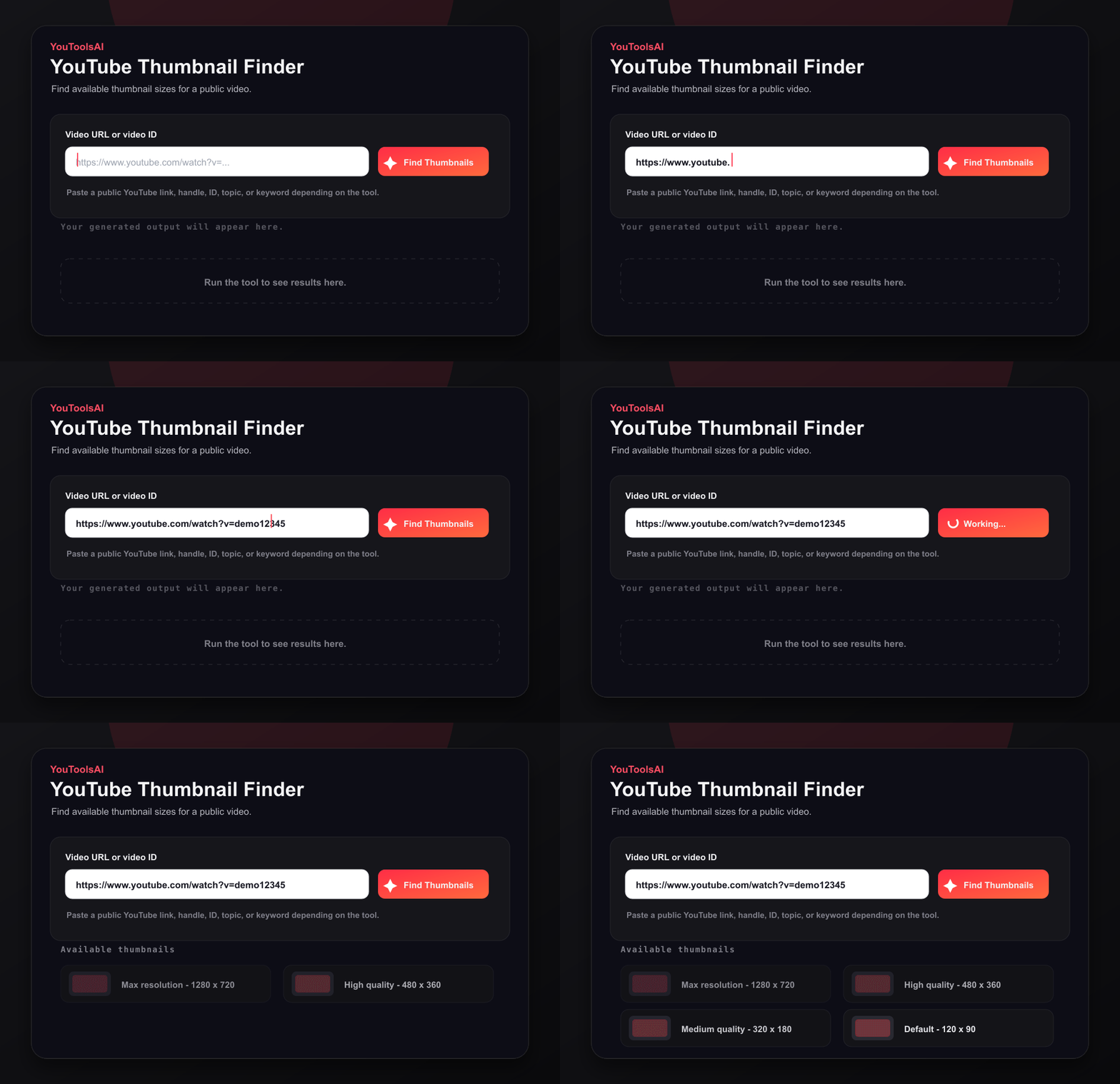
Add a YouTube video URL or video ID.
Use any public video.
Fetch each thumbnail quality YouTube makes available.
Preview every size.
Open or download the thumbnail size you need.
Grab the right asset.
Common questions about YouTube Thumbnail Finder.
The tool shows the available thumbnail qualities returned by YouTube and links directly to those image files.
YouTube generates several thumbnail resolutions. Availability can differ from one video to another.
Yes, as long as the Shorts video has a valid public video ID and thumbnails are available.
Related tools
Reveal the full details behind any public YouTube video - title, description, tags, category, publish date, and more, in one clean view. Free, no login.
Open toolSee the hidden tags behind any public YouTube video. Paste a link, click Extract, and get the full tag list in seconds - free, no login.
Open toolAnalyze a playlist to see total videos, duration, average length, shortest and longest videos, and watch time at multiple playback speeds.
Open tool